
Ebook + starter kit
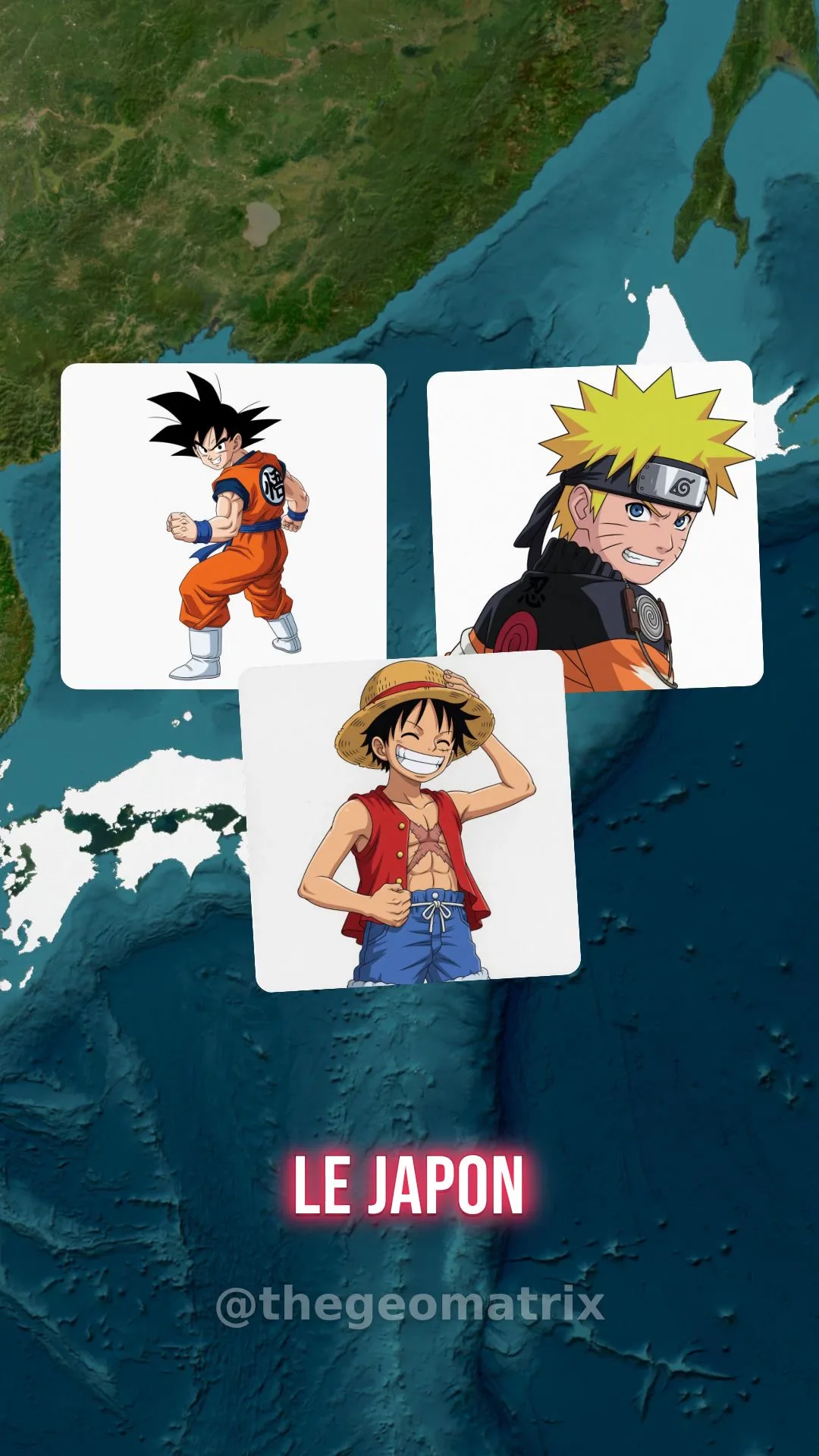
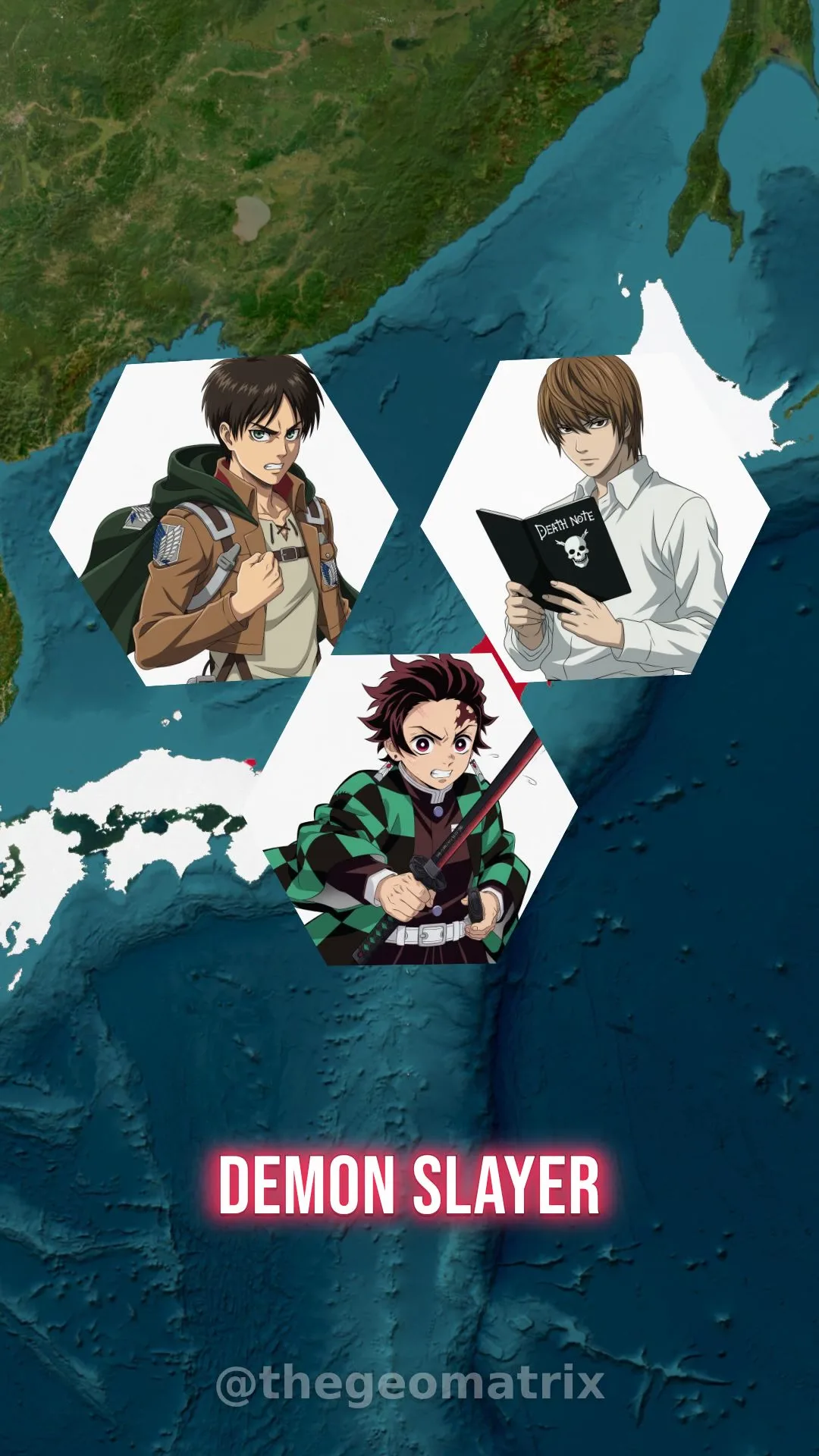
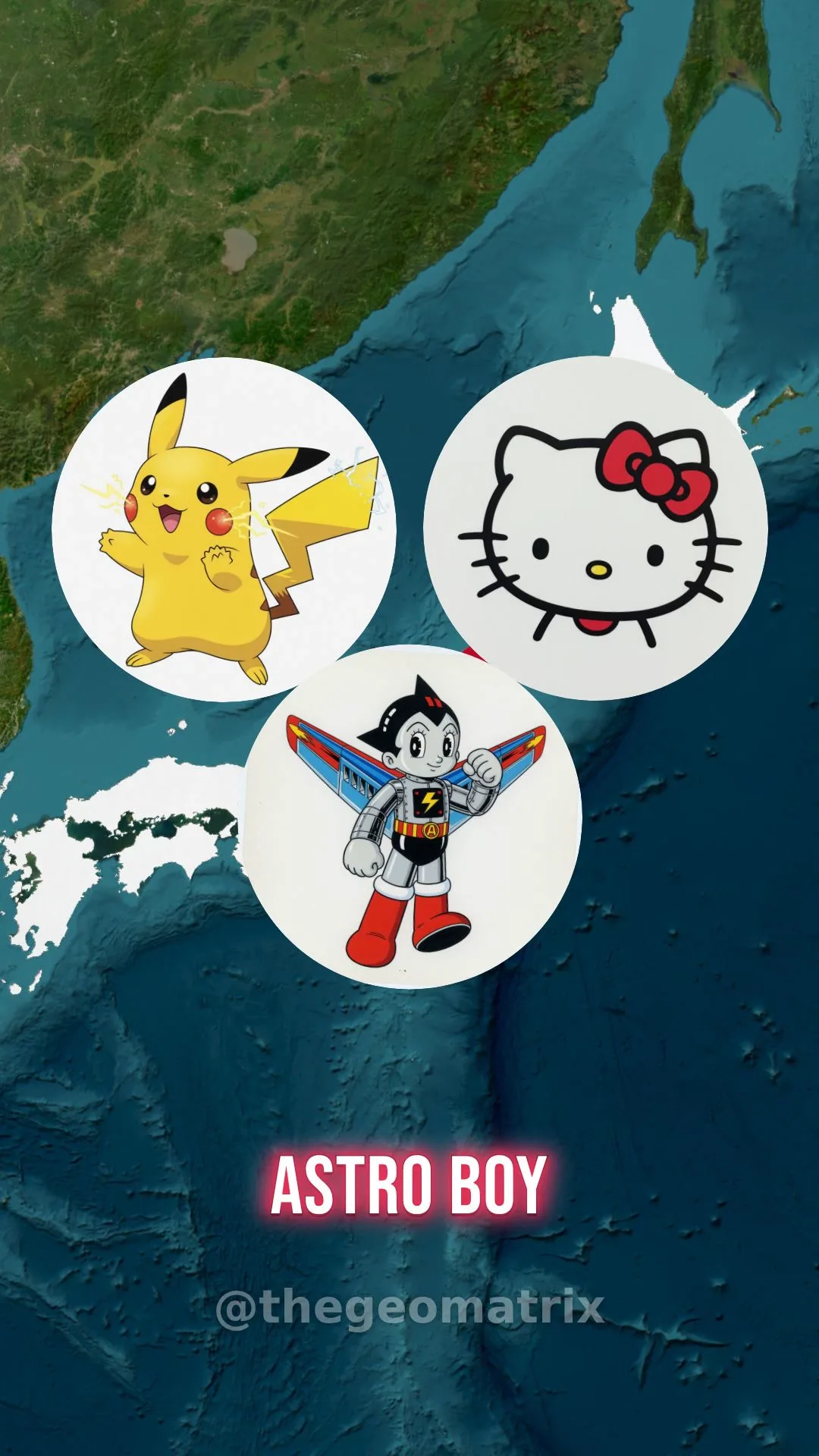
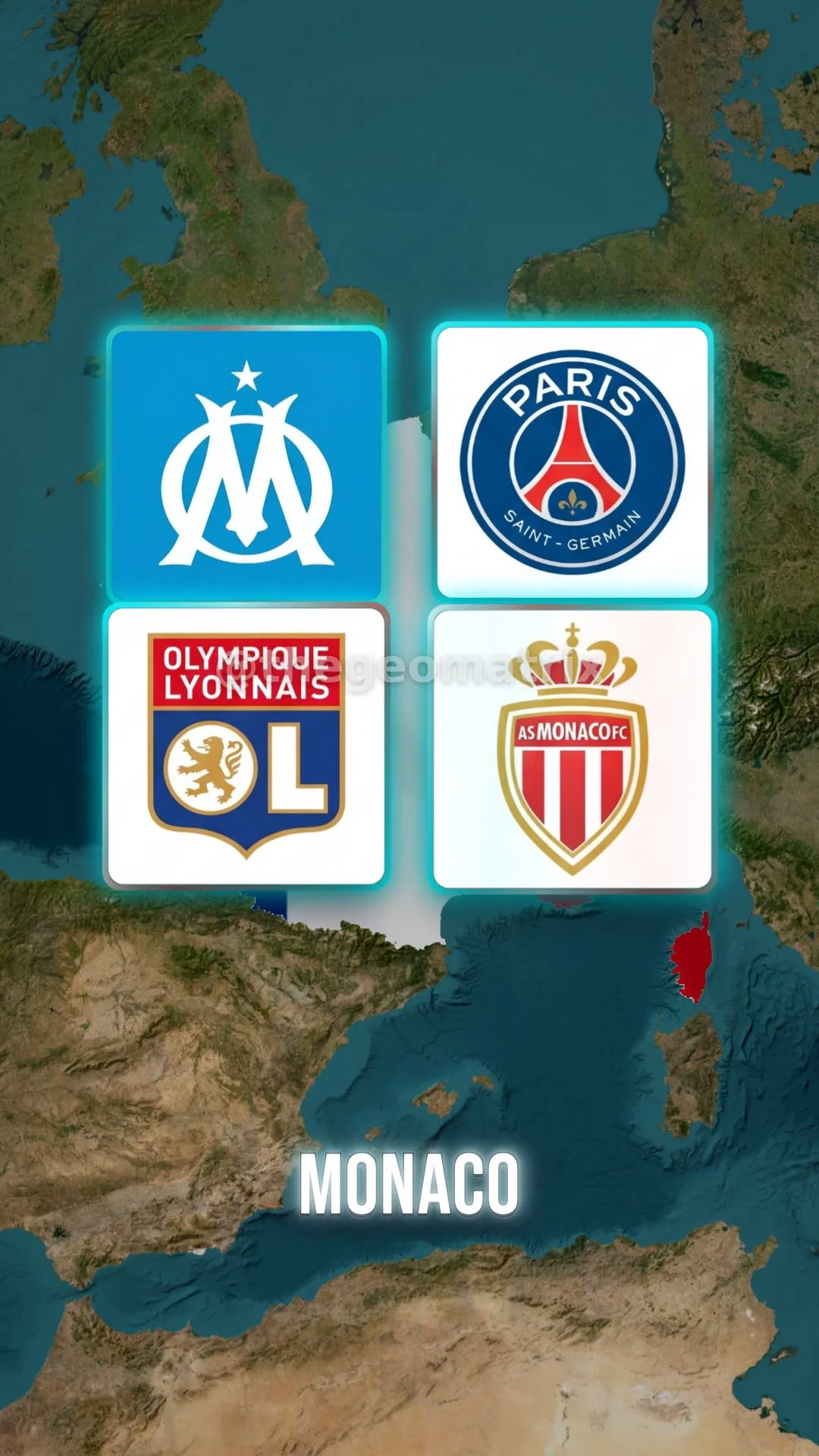
Build geo map videos for the feed
A practical guide for turning lyrics, AI music, captions, map movement, and visual pins into vertical videos with Codex, Remotion, Suno, and the included workspace.
35-page guideStarter workspaceReal project frames

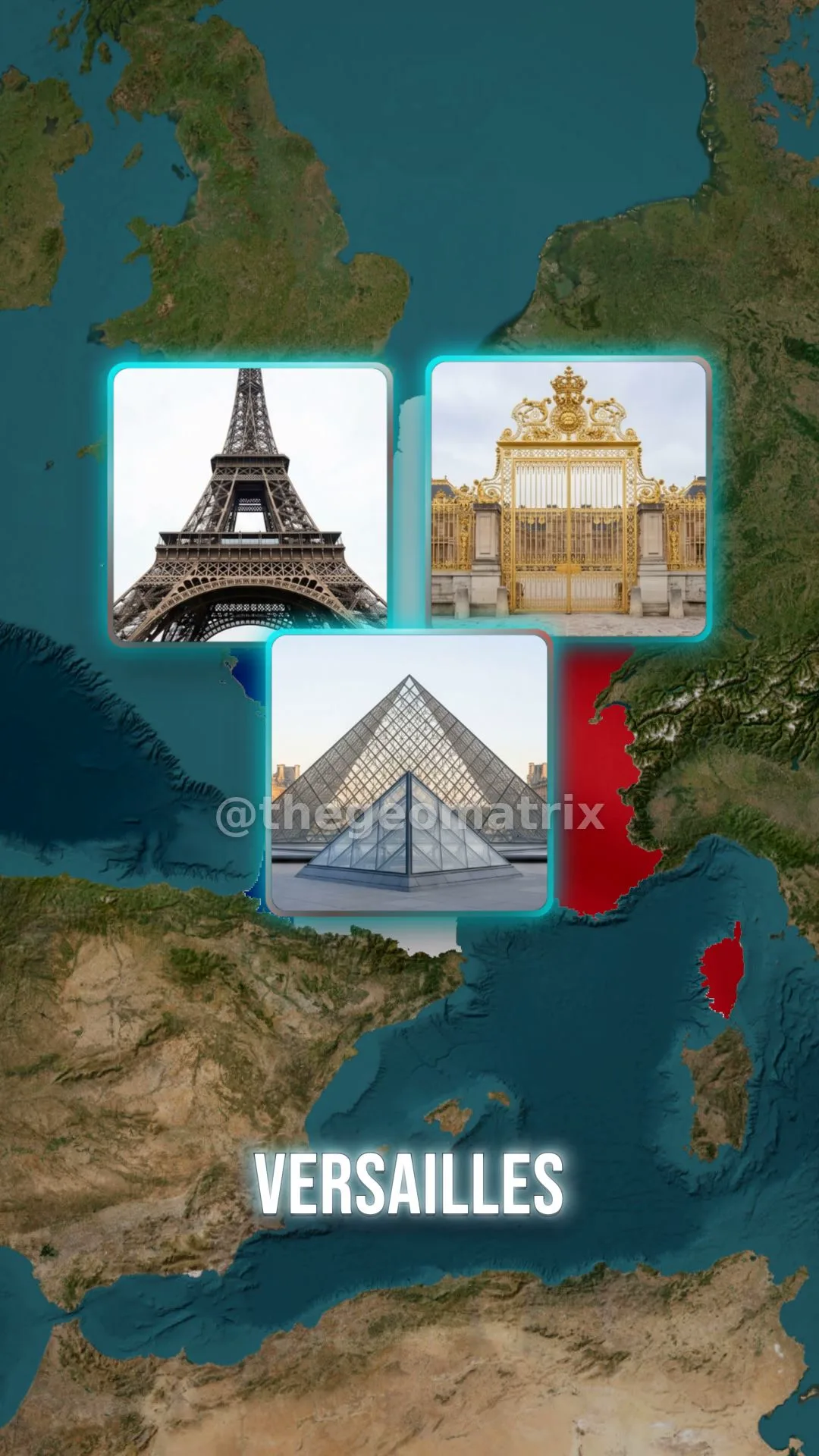
Start practical
A real production workflow, not random AI tips
The guide shows the full path: prepare files, build a first draft, add visuals, review the preview, fix issues, and render only when the video is ready.
Ready promptsLocal workspacePreview checksRender rules1080x1920 export
The workflow
One repeatable pipeline for every new map video
The process stays controlled: build, preview, correct, and export only after the result is clean.
Write clean song lines that are easy to caption, time, and connect to map pins.
Choose the clearest version, save it as song.mp3, and keep lyrics.txt as the source file.
Use the prompts to transcribe, correct, plan, caption, and build the Remotion preview.
Add images and replace placeholders with readable, timed pin groups.
Fix timing, captions, camera movement, image size, and overlap before rendering.
Export a 1080x1920 video for TikTok, Reels, and Shorts once the preview is ready.
Get the guide
Start with the guide. Reuse the workflow for every video.
Use the PDF as your guide and the starter kit as the working folder for new countries, songs, topics, and visual styles.
Complete bundle
Guide + Starter Kit
PDF guide, starter workspace, Remotion app, local skills, sample projects, ready prompts, and render checklist.
- 35-page beginner-friendly guide
- Ready workspace structure
- Prompt packs for setup, build, fixes, and render
- Social-ready 1080x1920 workflow
Pay with PayPal or credit card
$19.99Guide + Starter Kit
PayPal checkout credentials are not active yet.
FAQ